Accelerated Machine Learning & Cloud Deployment in Excel
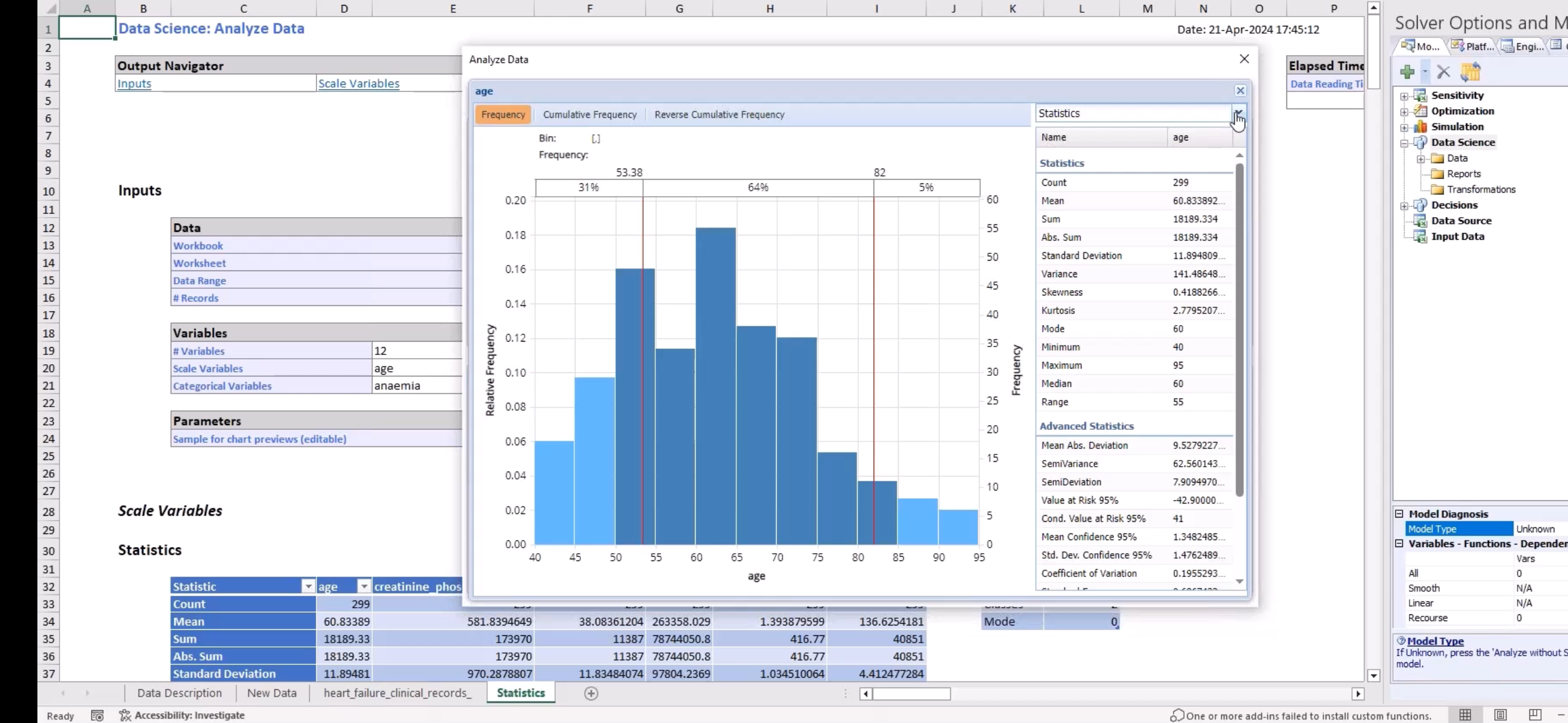
Today, I joined a webinar focused on Accelerated Machine Learning Fitting and Seamless Cloud Deployment using Analytic Solver Data Science. What stood out the most? The power of building and deploying real machine learning workflows—directly from Excel.
🔍 Key Takeaways
- Find Best Model: Automatically evaluate and compare multiple models for prediction and classification with a single click.
- Data Science Workflow: From feature selection to model fitting, the entire machine learning lifecycle happens within Excel’s familiar interface.
- Multi-stage Data Mining: Users can manage multiple steps—preprocessing, training, and testing—all from one workbook.
- Deployment to Rason.com: With the built-in wizard, you can export trained models to Rason.com and access them via REST APIs. Templates are also available to speed up integration.
🧪 The Live Demo: Loan Dataset Classification
The webinar demo used the Loan Dataset from Kaggle to show how classification trees work inside Analytic Solver. Features included:
- Tree Pruning: Easily adjustable parameters to reduce overfitting.
- Simulation Tab: Allows scenario testing and prediction across various input combinations.
- Tree Visualization: Full graphical breakdown of the decision-making process.
✨ Synthetic Data Generation
Another highlight was the ability to generate synthetic datasets—particularly useful when working with imbalanced data or needing to scale up for testing without access to large real-world datasets.
🎓 My Personal Use & Experience
I’ve previously used Analytic Solver in coursework for:
- Linear Programming & Optimization
- Risk Simulation
- Queuing Models
But this was my first exposure to its Data Science functionality, particularly for classification and model evaluation. Seeing the REST API and deployment workflow in action really opened my eyes to its potential.
✅ Final Thoughts
All in all, the webinar showed how machine learning—and even cloud deployment—is becoming more approachable, thanks to tools like Analytic Solver. If you’re an Excel power user or data science student looking for a low-code way to prototype, test, and deploy models, this might be worth checking out.
Have any experience with Analytic Solver or other Excel-based ML tools? Shoot me an email—I'd love to chat.
Coming up next: I'll will be sharing some file from the course work mentioned above.